How to Migrate to WordPress Without Losing Rankings
Migrating a website to WordPress can unlock significant opportunities for growth, flexibility and improved search visibility.
However, website migrations also carry substantial SEO risks.
Without proper planning, businesses can experience:
- Significant traffic losses
- Ranking declines
- Indexation issues
- Broken links
- Lost conversions
- Reduced visibility in search engines
The good news is that these risks can be minimised with a structured migration strategy.
A successful WordPress migration protects existing search performance while creating a stronger foundation for future growth.
Here’s how to migrate to WordPress without losing rankings.
Why Businesses Migrate to WordPress
Many organisations outgrow their existing website platforms.
Common reasons for migrating include:
- Limited SEO capabilities
- Poor website performance
- Difficult content management
- High maintenance costs
- Limited scalability
- Restricted functionality
- Inflexible design systems
WordPress offers:
- Greater flexibility
- Strong SEO capabilities
- Extensive plugin support
- Improved content management
- Better scalability
- Easier integrations
However, the migration process requires careful planning.
Start With a Comprehensive Website Audit
Before migrating, conduct a detailed assessment of your existing website.
Understand exactly what currently drives traffic and conversions.
Review:
- Organic traffic performance
- Top-performing pages
- High-value keywords
- Backlink profiles
- Conversion pathways
- Existing technical issues
This information helps identify what must be protected during migration.
A migration should improve performance, not reset it.
Crawl Your Existing Website
Create a complete inventory of your current website.
Use crawling tools to capture:
- All indexable URLs
- Metadata
- Heading structures
- Canonical tags
- Internal links
- Image assets
- Redirects
This crawl becomes the benchmark for your migration.
Without a complete URL inventory, important pages can easily be overlooked.
Preserve Existing URL Structures
Whenever possible, maintain the same URL structure.
Changing URLs increases migration complexity and creates additional SEO risks.
If URL changes are unavoidable, ensure every old URL maps to the most relevant new page.
Avoid:
- Removing high-performing pages
- Changing URLs unnecessarily
- Consolidating unrelated content
Maintaining URL consistency helps preserve search visibility.
Create a Detailed Redirect Map
Redirect planning is one of the most critical parts of a website migration.
Every old URL should have a corresponding destination.
Develop a spreadsheet containing:
- Existing URL
- New URL
- Redirect type
- Page status
Use permanent 301 redirects to transfer authority from old pages to new pages.
Avoid:
- Redirect chains
- Redirect loops
- Generic homepage redirects
Poor redirect management is one of the leading causes of ranking losses during migrations.
Protect Your Content
Content changes should be carefully controlled during migration.
Preserve:
- Page titles
- Meta descriptions
- Heading structures
- Internal links
- Image alt text
- Structured data
Major content rewrites should ideally occur after migration.
Introducing platform changes and significant content changes simultaneously makes it difficult to identify issues.
Maintain On-Page SEO Elements
Ensure key SEO elements transfer correctly.
Review:
- Title tags
- Meta descriptions
- Heading hierarchy
- Canonical tags
- Schema markup
- Open Graph tags
Missing metadata can negatively impact visibility and click-through rates.
Optimise Website Architecture
A migration presents an opportunity to improve website structure.
Review:
- Navigation
- Content hierarchy
- Internal linking
- Topic clusters
- User journeys
The goal is to create a website that is easier for users and search engines to navigate.
However, avoid making unnecessary structural changes that increase migration risk.
Improve Website Performance
Website speed directly impacts user experience and search visibility.
Before launch, optimise:
- Hosting environment
- Image sizes
- Caching
- Core Web Vitals
- CSS and JavaScript delivery
- CDN configuration
A migration is an ideal time to upgrade infrastructure and improve performance.
Configure Technical SEO Correctly
Before launch, verify:
- XML sitemaps
- Robots.txt
- Canonical tags
- HTTPS implementation
- Structured data
- Mobile responsiveness
Technical errors introduced during migration can significantly affect rankings.
Conduct thorough testing before going live.
Validate Analytics and Tracking
Many businesses lose valuable data during migrations.
Ensure the following are correctly configured:
- Google Analytics 4
- Google Tag Manager
- Google Search Console
- Conversion tracking
- Form tracking
- Call tracking
Verify all tracking before launch.
Accurate data is essential for measuring migration success.
Launch During a Low-Risk Period
Avoid launching during:
- Peak sales periods
- Major campaigns
- Seasonal traffic spikes
Choose a quieter period that allows time for testing and issue resolution.
Have rollback procedures available if unexpected problems occur.
Test Before Going Live
A staging environment allows thorough testing before launch.
Review:
- Redirects
- Internal links
- Forms
- Tracking codes
- Mobile usability
- Page speed
- Structured data
The more issues identified before launch, the lower the risk after migration.
Monitor Closely After Launch
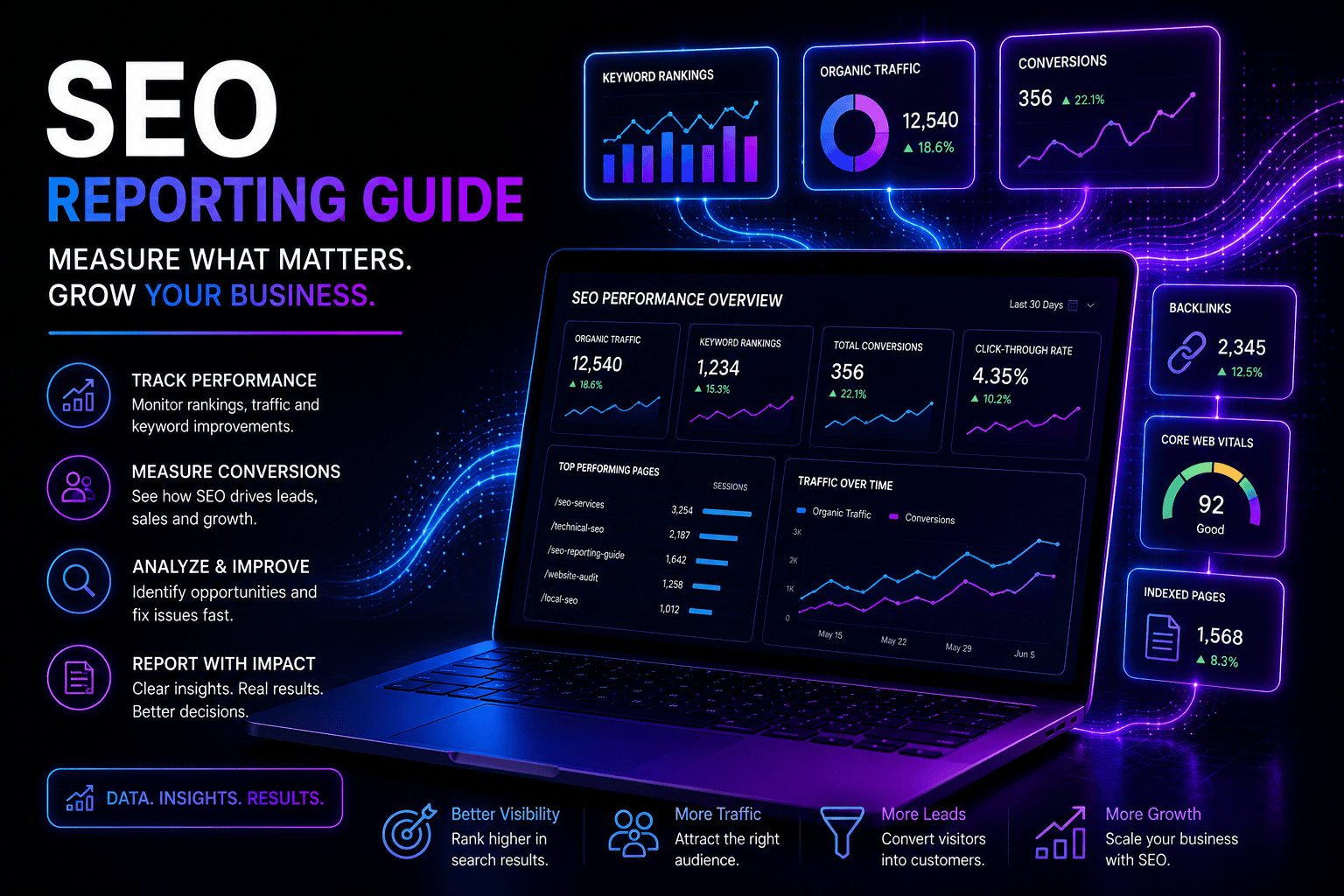
Once the new website is live, monitor performance closely.
Track:
- Organic traffic
- Keyword rankings
- Indexation status
- Crawl errors
- Core Web Vitals
- Conversion performance
Google Search Console should be monitored daily during the first few weeks.
Early detection allows issues to be resolved before they significantly impact performance.
Common WordPress Migration Mistakes
Many migration issues result from avoidable mistakes.
Common problems include:
- Missing redirects
- Incomplete URL mapping
- Lost metadata
- Broken internal links
- Incorrect canonical tags
- Missing analytics tracking
- Blocking search engines unintentionally
- Changing content too aggressively
A structured migration process significantly reduces these risks.
WordPress Migration Checklist
Before launch, confirm:
- Website crawl completed
- URL inventory created
- Redirect map finalised
- Content migrated
- Metadata preserved
- Tracking configured
- XML sitemap generated
- Robots.txt validated
- Structured data tested
- Internal links checked
- Forms tested
- Performance optimised
When to Consider Professional Support
Large websites, ecommerce platforms and high-traffic websites often require specialist support.
Professional migration planning helps:
- Reduce risk
- Preserve rankings
- Protect traffic
- Improve performance
- Minimise downtime
For many businesses, the cost of a poorly managed migration exceeds the cost of professional guidance.
Frequently Asked Questions
Will migrating to WordPress hurt my rankings?
A properly planned migration should minimise ranking fluctuations and may improve performance over time.
How long does it take for rankings to stabilise after a migration?
Minor fluctuations are common during the first few weeks. Larger websites may take several months to fully stabilise.
Are redirects necessary during a migration?
Yes. Permanent 301 redirects help transfer authority from old URLs to new URLs.
Should I redesign my website during migration?
You can, but combining a platform migration with major design and content changes increases complexity and risk.
Can I change my URL structure during migration?
Whenever possible, maintain existing URLs. If changes are required, implement a detailed redirect strategy.
Why is Google Search Console important during migrations?
Search Console helps identify crawl errors, indexing issues and performance changes after launch.
Final Thoughts
Migrating to WordPress offers significant opportunities to improve website performance, flexibility and search visibility.
However, successful migrations require careful planning and a structured process.
By protecting existing URLs, preserving SEO elements, implementing accurate redirects and monitoring performance closely, businesses can migrate to WordPress while maintaining search visibility.
A website migration should not simply move content from one platform to another.
It should create a stronger technical foundation for future growth.
If your organisation is planning a website migration, conducting an Advanced SEO Audit and Digital Assessment before development begins can significantly reduce risk and improve long-term results.