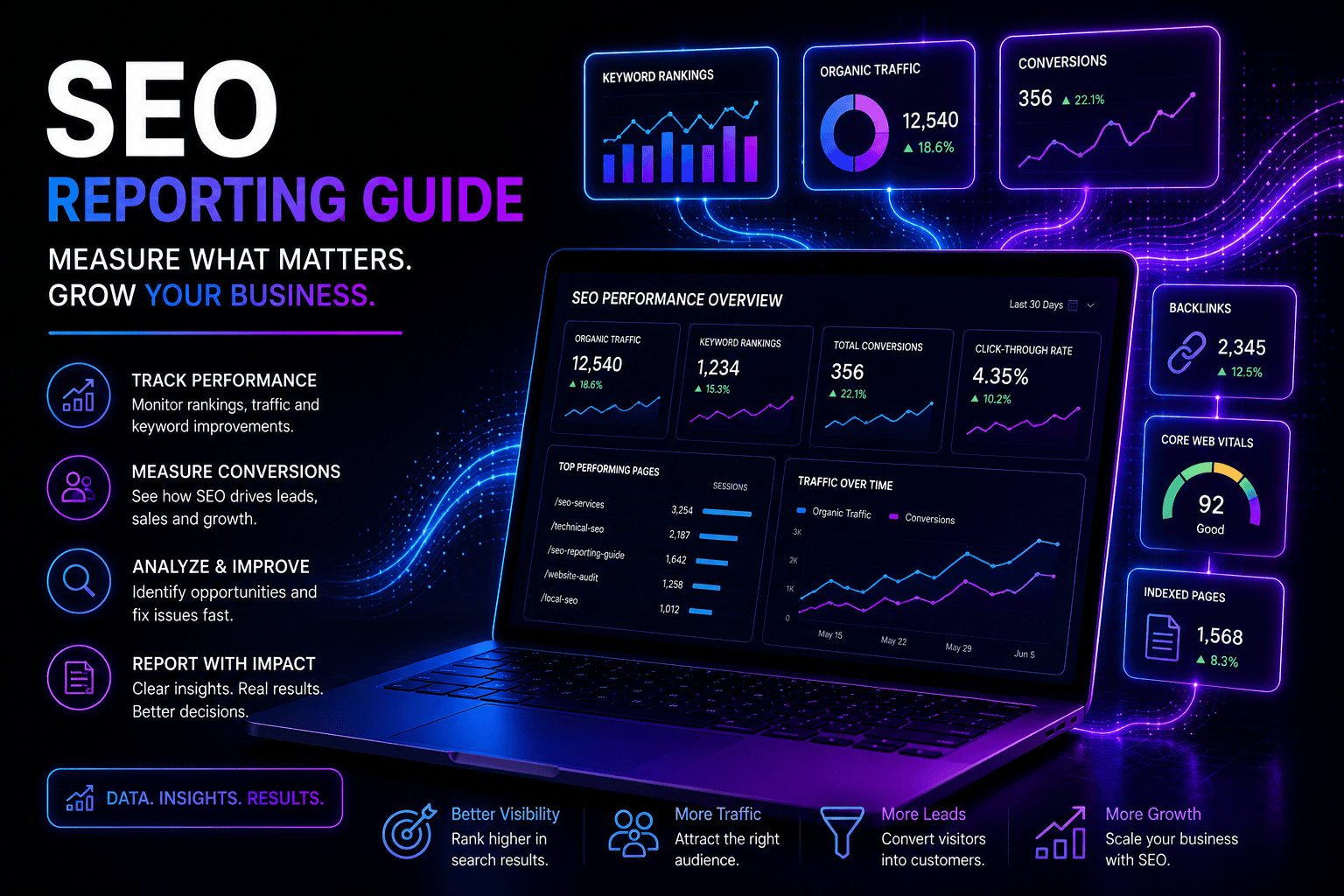
Google Analytics 4 (GA4): Beginner to Pro Guide for Small Businesses
Google Analytics 4 (GA4) is the latest version of Google Analytics, designed to provide more detailed insights into website and app user behavior, improve cross-platform tracking, and support data-driven decision-making. For small businesses and digital marketers, mastering GA4 is essential to optimise marketing campaigns, understand customer journeys, and grow online presence.
In this guide, we’ll cover everything from GA4 basics to advanced techniques, helping you go from beginner to pro.
What is Google Analytics 4?
Google Analytics 4 is the next-generation analytics platform that replaces Universal Analytics (UA). Unlike UA, GA4 focuses on events instead of sessions, giving businesses a more accurate understanding of user behavior across devices and platforms.
Key Features:
- Event-based tracking for websites and apps
- Cross-platform measurement
- Enhanced reporting with machine learning insights
- Improved user privacy compliance
- Integration with Google Ads and other platforms
Why Small Businesses Should Use GA4
- Understand Your Audience: Track how users interact with your website or app, what pages they visit, and where they come from.
- Measure Marketing ROI: Evaluate which campaigns, ads, and channels drive traffic and conversions.
- Optimize User Experience: Identify high-performing pages, drop-off points, and conversion paths.
- Future-Proof Analytics: GA4 is the standard moving forward, replacing Universal Analytics.
Getting Started with Google Analytics 4
1. Setting Up Your GA4 Property
- Create a Google Analytics account if you don’t have one
- Add a new GA4 property alongside or instead of UA
- Configure data streams for your website and/or app
- Install the GA4 tracking code on your website (via Google Tag Manager or directly in code)
2. Navigating the GA4 Interface
Key sections include:
- Home: Overview of active users, traffic trends, and insights
- Realtime: Live view of visitors on your site
- Life Cycle Reports: Acquisition, engagement, monetization, and retention metrics
- User Reports: Demographics, tech, and behavior
- Events: Custom or automatic events tracking user interactions
3. Understanding Metrics
GA4 tracks users and events differently from Universal Analytics:
- Users: Unique visitors to your site
- Events: Actions taken by users (clicks, form submissions, purchases)
- Conversions: Key actions that support business goals
- Engagement Metrics: Engagement rate, average engagement time, scrolls
Key Features for Small Businesses
Event Tracking
GA4 automatically tracks basic interactions like pageviews, scrolls, outbound clicks, and file downloads. You can create custom events for form submissions, button clicks, or product purchases.
Conversions
Define conversion events to measure key business goals, such as newsletter signups, product purchases, or lead form submissions.
Cross-Platform Insights
GA4 allows you to track user journeys across websites and mobile apps, giving a more complete picture of your audience.
Machine Learning Insights
GA4 uses AI-powered predictive metrics to anticipate trends, identify high-value customers, and detect anomalies in your data.
Advanced GA4 Techniques
- Custom Reports and Dashboards
- Build reports tailored to your business goals
- Track specific KPIs such as acquisition channels, product performance, or campaign ROI
- Event Modifications
- Modify or create new events without code for specific tracking needs
- Enhanced Ecommerce Tracking
- Measure product impressions, clicks, add-to-cart events, and purchases
- Understand the full sales funnel
- Audience Segmentation
- Create custom audiences for remarketing or targeted campaigns
- Use predictive metrics to find potential high-value users
- Integration with Google Ads
- Sync audiences and conversions to optimize ad campaigns
- Use insights to target high-performing demographics
Tips for Small Business Success with GA4
- Regularly check real-time reports to understand visitor behavior
- Set up conversion events aligned with business goals
- Use audience segmentation for personalized marketing
- Explore exploration reports for deeper insights
- Monitor traffic sources to focus marketing efforts on high-performing channels
Common Challenges and How to Overcome Them
- Learning Curve: GA4 is different from UA; start with the basics and gradually explore advanced features
- Event Tracking Complexity: Use Google Tag Manager for easier custom event tracking
- Data Discrepancies: GA4 metrics differ from UA; understand the differences to interpret reports correctly
- Integration Setup: Ensure Google Ads and other platforms are connected properly for accurate reporting
Frequently Asked Questions (FAQ)
1. What is the difference between GA4 and Universal Analytics?
GA4 uses an event-based model, tracking user interactions rather than sessions. It also offers cross-platform tracking, predictive insights, and enhanced privacy features.
2. Can GA4 track both websites and apps?
Yes. GA4 supports web and app tracking, allowing businesses to understand user behavior across platforms in a single property.
3. Is GA4 free?
Yes. Google Analytics 4 is free for standard use, with premium features available through Google Analytics 360 for enterprise-level businesses.
4. How do I track conversions in GA4?
Mark key events (like purchases or form submissions) as conversions in the GA4 admin settings.
5. Can I migrate data from Universal Analytics to GA4?
Historical data from UA cannot be fully migrated, but you can run GA4 alongside UA to start collecting new data.
6. What metrics should small businesses focus on?
Key metrics include:
- Users and sessions
- Engagement rate
- Conversion events
- Traffic sources
- Page performance
7. How can GA4 help improve marketing campaigns?
By analyzing acquisition channels, user behavior, and conversions, GA4 helps businesses allocate resources efficiently, target high-value users, and optimize campaigns.
8. Is GA4 suitable for beginners?
Yes. GA4 has a beginner-friendly interface with guided reports, but learning the event-based model is essential to fully utilize its features.
9. Can GA4 integrate with other Google products?
Yes. GA4 integrates with Google Ads, Search Console, BigQuery, and other Google marketing tools for comprehensive analytics.
10. How often should businesses review GA4 reports?
Weekly reviews help monitor trends, while monthly and quarterly analyses support strategic decision-making.
Conclusion
Google Analytics 4 is a powerful, modern analytics tool that allows small businesses to understand their audience, optimize marketing efforts, and make data-driven decisions. By starting with the basics and gradually exploring advanced features, business owners can leverage GA4 to improve website performance, marketing ROI, and overall growth.
With GA4, businesses can transition from beginner to pro in analytics, gaining insights that drive smarter business strategies