Building an Effective Business Website in 2026
In 2026, a business website is no longer just an online brochure—it’s a strategic asset, your primary marketing engine, and a conversion tool. But building a website that delivers real value doesn’t start with picking a theme, choosing a page builder, or adding plugins. It starts with understanding the business itself: its goals, audience, processes, and what it needs from its website.
This guide walks you through the SEO-first, business-first approach to building a website that works, whether you’re creating a small restaurant site, an HR consultancy platform, or a complex e-commerce portal.
1. Start with Discovery — Understand the Business Goals
Before design, development, or content creation, you must ask the right questions:
- What type of business is this? Is it a small café, a corporate HR firm, a boutique e-commerce store, or a multi-location marketplace?
- Who is the target audience? Local consumers, national clients, job seekers, or partners? Understanding the audience determines design, content, and functionality.
- What are the primary objectives of the website? Lead generation, online reservations, sales, subscription sign-ups, job applications, or brand authority?
- What integrations are required? Consider CRM (HubSpot, Salesforce), payment gateways, booking systems, applicant tracking systems (ATS), POS, or calendar synchronization.
- What scale and traffic are expected? Local footfall, national campaigns, or viral traffic spikes? This affects hosting, caching, and technical architecture.
- Who will maintain the website? Decide who updates content, manages plugins, and handles security after launch.
Understanding these factors ensures that the website architecture, technology, and content align with real business needs, rather than assumptions or trends.
2. Define the Type of Website Needed
Once you’ve discovered the business goals, the next step is to define the technical approach:
A. Theme + Elementor (Fast, Cost-Efficient)
Best for: brochure sites, simple restaurant websites, portfolios, or small business sites.
- Pros: Quick to launch, low cost, easy for non-technical users to update.
- Cons: Heavy page builders can slow site performance; may not support complex integrations.
- Use when: The website mainly consists of static pages, a blog, or simple forms.
B. Specialized Theme or Premium Plugin
Best for: restaurants needing integrated reservations, small e-commerce stores, or boutique agencies.
- Pros: Offers built-in features like bookings, menu management, or portfolios.
- Cons: Can limit customization; potential plugin conflicts.
- Use when: Off-the-shelf solutions cover most of your business requirements.
C. Custom Plugin or Bespoke Development
Best for: complex workflows, unique business logic, multi-location platforms, or enterprise HR portals.
- Pros: Complete control, scalable, fully aligned with business logic.
- Cons: Higher cost, requires ongoing maintenance.
- Use when: Existing plugins or themes cannot meet critical functional or performance needs.
3. Decide on Core Functions
Every website needs functionality aligned with business goals. Here’s how to think about it:
- Bookings / Reservations:
- Quick: Use a third-party widget or premium plugin.
- Advanced: Build a custom booking database with calendar sync and custom rules.
- Forms & Lead Capture:
- Quick: WPForms, Gravity Forms, or Elementor Forms with webhook to CRM.
- Advanced: Multi-step forms with file uploads, ATS integration, or custom logic.
- E-commerce:
- Quick: WooCommerce with payment gateway integration.
- Advanced: Custom checkout flows, subscriptions, headless commerce.
- Job Board / HR Portal:
- Quick: WP Job Manager with application forms.
- Advanced: Applicant tracking, custom workflows, and employer portals.
- Custom UX / Specialized Design:
- Use Elementor for most layout work.
- For animation, interactive elements, or unusual workflows, implement lightweight custom JS or a small plugin for maintainability.
4. Prototype → Test → Scale
A measured, iterative approach ensures the website works before committing to expensive custom development:
- Prototype: Use a theme + Elementor with core plugins to validate UX, conversions, and content structure.
- Test: Measure performance, mobile usability, integrations, and conversion paths.
- Scale: Replace or extend weak points with custom plugins or bespoke development as needed.
This workflow minimizes risk, reduces costs, and allows you to adapt as business needs evolve.
5. SEO-First Considerations
A website is only effective if people can find it. SEO-first design ensures the site is structured for both users and search engines:
- Keyword Strategy: Map target keywords to pages based on audience search intent.
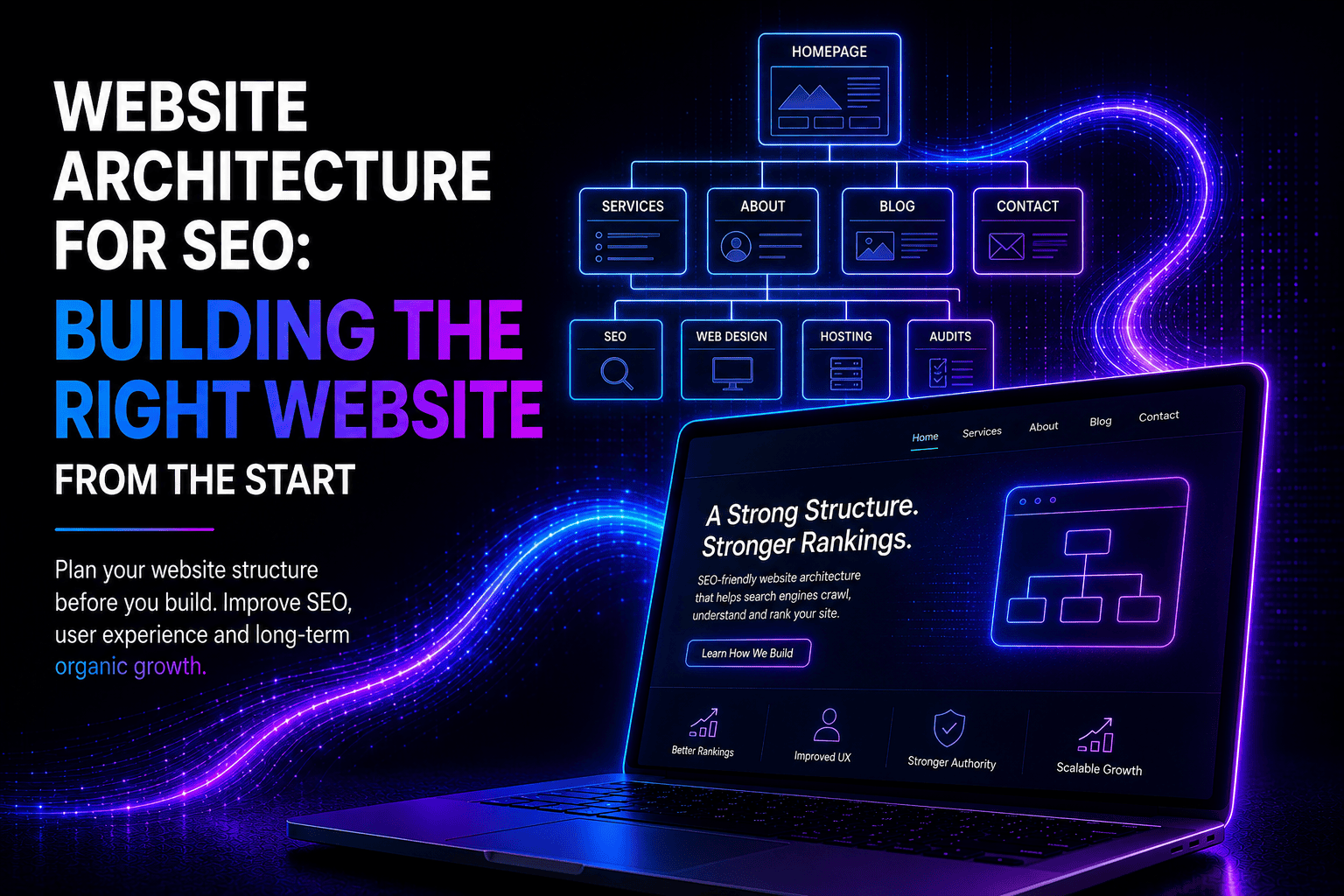
- Information Architecture: Use flat hierarchy for important pages (within 2–3 clicks).
- Internal Linking: Connect related pages to guide users and search engines.
- Content Strategy: Build pillar pages and clusters to establish topical authority.
- Technical SEO: Canonical URLs, schema markup, robots.txt, sitemap.xml.
- Performance: Optimize images, lazy-load content, use caching, and monitor Core Web Vitals.
- Mobile-First: Ensure responsive layouts for all devices.
SEO-first planning ensures the website generates traffic from launch, rather than requiring costly retrofits.
6. Client Scoping Checklist
Use this during discovery to align expectations and define scope:
- Business name, NAP (Name, Address, Phone)
- Top three objectives (e.g., increase reservations by 30% in 6 months)
- Must-have features (bookings, e-commerce, job portal, custom integrations)
- CMS preference or restrictions (WordPress required?)
- Maintenance responsibilities and budget
- Examples of websites the client admires
- Launch date and expected marketing campaigns
7. Acceptance Criteria
Before signing off:
- Core flows (reservations, checkout, lead forms) fully functional on mobile and desktop
- Performance meets agreed targets (Lighthouse mobile score ≥ 80)
- All integrations tested end-to-end (CRM, payment, calendar)
- Content editors can update pages without developer help for theme + Elementor builds
- Security basics: SSL, daily backups, and updates scheduled
8. Maintenance & Handover
- Provide a simple admin guide for content updates.
- Set up a maintenance schedule for plugin updates, backups, and security checks.
- For custom plugins: deliver README, deployment steps, and test documentation.
9. Industry-Specific Examples
Restaurant Websites:
- Goal: Local SEO, reservations, online ordering.
- Approach: Theme + Elementor with booking plugin, menu schema, and Google Maps integration.
- Content: Menus, events, chef stories, reviews.
HR / Recruitment Websites:
- Goal: Generate leads and attract candidates.
- Approach: Custom post types for job listings, service pages, blog with industry insights, forms linked to CRM.
- Content: Case studies, client testimonials, HR guides, FAQs.
Different businesses require different architecture, content strategy, and plugin selection, even when following the same SEO-first principles.
10. Quick Tips
- Always start business-first, not design-first.
- Prototype quickly to validate assumptions.
- Keep SEO in mind from the start.
- Measure performance and conversions.
- Scale functionality incrementally to reduce risk and cost.
FAQ
Q: When should I choose custom development over off-the-shelf plugins?
A: If your business has unique workflows, deep integrations, or performance-critical features that no plugin can reliably deliver.
Q: Can Elementor sites rank well for SEO?
A: Yes — if you optimize templates, reduce bloat, compress images, and monitor Core Web Vitals.
Q: How long does the prototype stage take?
A: Typically 1–3 weeks for simple sites, 3–6 weeks for complex projects with multiple integrations.
Q: How do I ensure mobile performance?
A: Test on multiple devices, optimize images, use caching/CDNs, and implement responsive layouts.
Q: What is the main benefit of an SEO-first website?
A: It ensures your site is discoverable, performs well, and converts from day one, reducing the need for expensive post-launch fixes.
Conclusion
Building an effective business website in 2026 starts with understanding the business itself. From there, you can select the right type of website (theme + builder, specialized plugin, or custom development), define core functions, prototype, test, and scale. By integrating SEO-first principles, you ensure your website not only looks good but drives traffic, captures leads, and supports growth.
Start business-first, build SEO-first, and your website becomes a strategic asset, not just a digital brochure.